Clubs
Finances, facilities, stadium, relationships and other club sections.
Last updated:
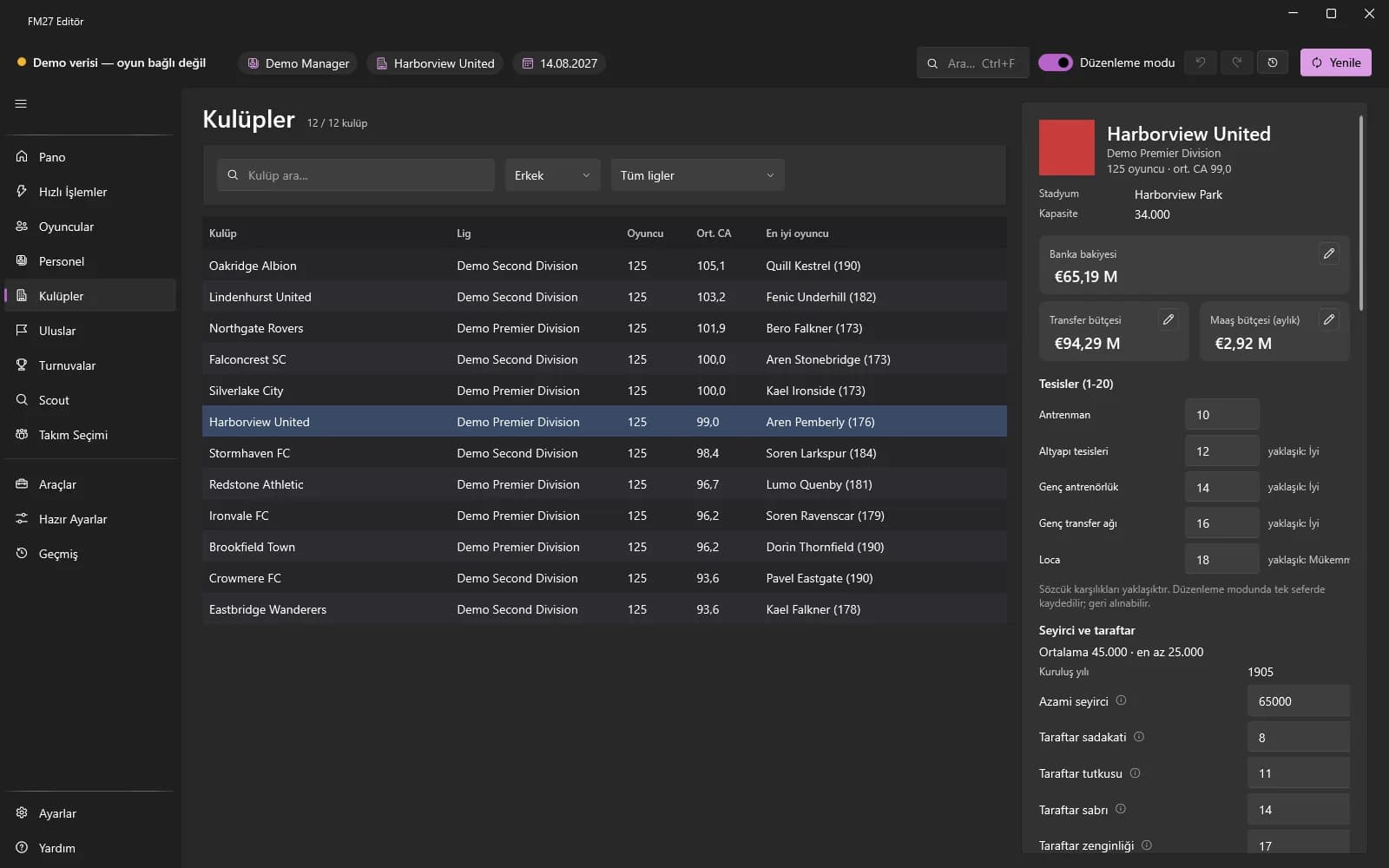
Lists every club in the world. Pick a club on the left and finances, facilities, stadium, relationships and other sections appear one below the other on the right. Your own club's budget can also be edited on the Dashboard.
Finding a club
Type a name in the “Search clubs…” box or filter by league. If no data shows, press Refresh. The selected club's best players and general information (stadium, capacity, etc.) are shown on the page.
Finances and budgets
- Click the edit icon next to “Bank balance”, “Transfer budget” and “Wage budget”.
- Type the new amount and press Save (Cancel to abort). Amounts are shown in the currency you chose in Settings.
- For quick top-ups use the budget tiles in Quick Actions.
Other sections
- Debts and loans: ticket price, loan principal / instalment / end date, “Delete debt”, wage cap (the game recalculates it every day; “Keep wage cap fixed” uses the Freezer).
- Facilities (1-20): training, youth, corporate, junior coaching and youth recruitment levels are written in one go.
- Ownership and board: ownership type and wealthy businessman; chairman information is read-only.
- Club relationships: add rivals and affiliated clubs, change levels, remove.
- Regional league: a club only moves to the new division on promotion or relegation (a game rule).
- Stadium: capacity, expansion capacity, year founded; pitch size (90-120 m x 45-90 m) and roof. The roof and fields marked “assumption” are experimental.
- Youth intake, kits, teams, sponsors and club vision: only existing entries are changed.