Scout
Advanced search across all players in the game, with comparison and export.
Last updated:
Scout does advanced search across all players in the game. Edit mode is not required, and it works in the free mode without a license.
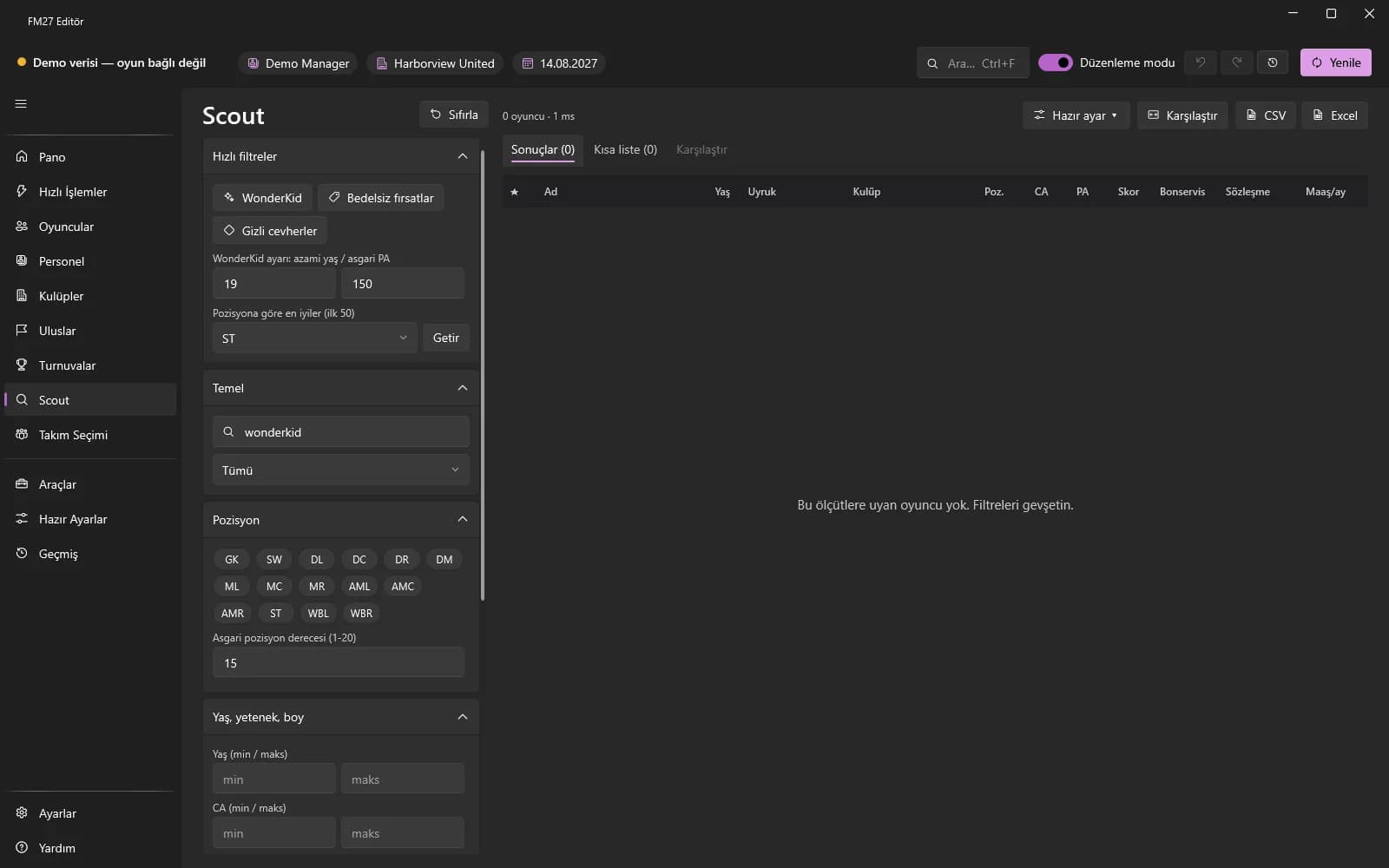
Search and filters
- Open the Scout page (or press Ctrl+Shift+F).
- In the left panel fill in Basic, Age / ability / height, Position, Club and nationality, Contract and money, Attributes (maximum 6).
- Press “Fetch”; the results are listed in the table. “Reset” clears all filters.
- Quick filters: Free-transfer bargains, Hidden gems, Near retirement, Without a club, Contract ends this season, Wonderkid.
Searching with a sentence
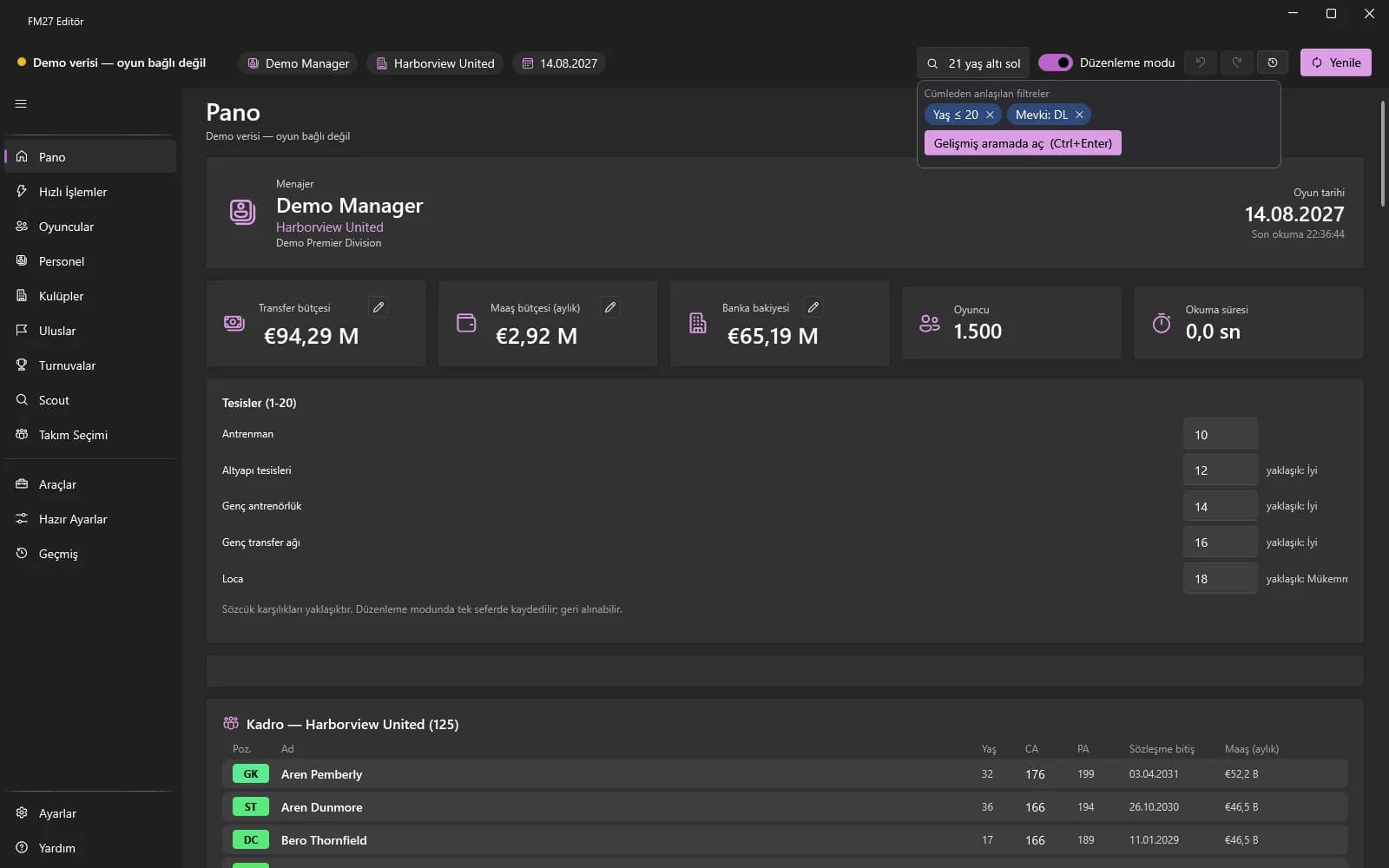
Type a natural sentence in the quick search box at the top: “under 21 Brazilian left back”. The filters it understood appear as chips; remove them with ✕. “Open in advanced search” (Ctrl+Enter) carries the result over to Scout.
Saved searches, comparison, export
- In “Saved searches” name and save your set of filters, then load it again later.
- Select 2-3 players in the table with Ctrl+click and press “Compare”.
- Export the results as CSV or Excel.
- With “Preset” apply a preset to the selected rows (Edit mode and a license are required).
Game shortlist (.fmf)
The “Game shortlist” section in the left panel shows the game's shortlist. “Export (.fmf)” saves in the game's own file format; load it in the game with Shortlists → ⚙ → Open Shortlist. “Import (.fmf)” adds the players in an unencrypted .fmf file to the list; CSV export / import is available too.