History and undo
Undoing and redoing edits, and conflicts.
Last updated:
Undo and redo
- The undo arrow at the top right (Ctrl+Z) undoes the last batch of edits; Ctrl+Y redoes.
- The clock icon opens a list of recent edits; the “History page” button opens the full list.
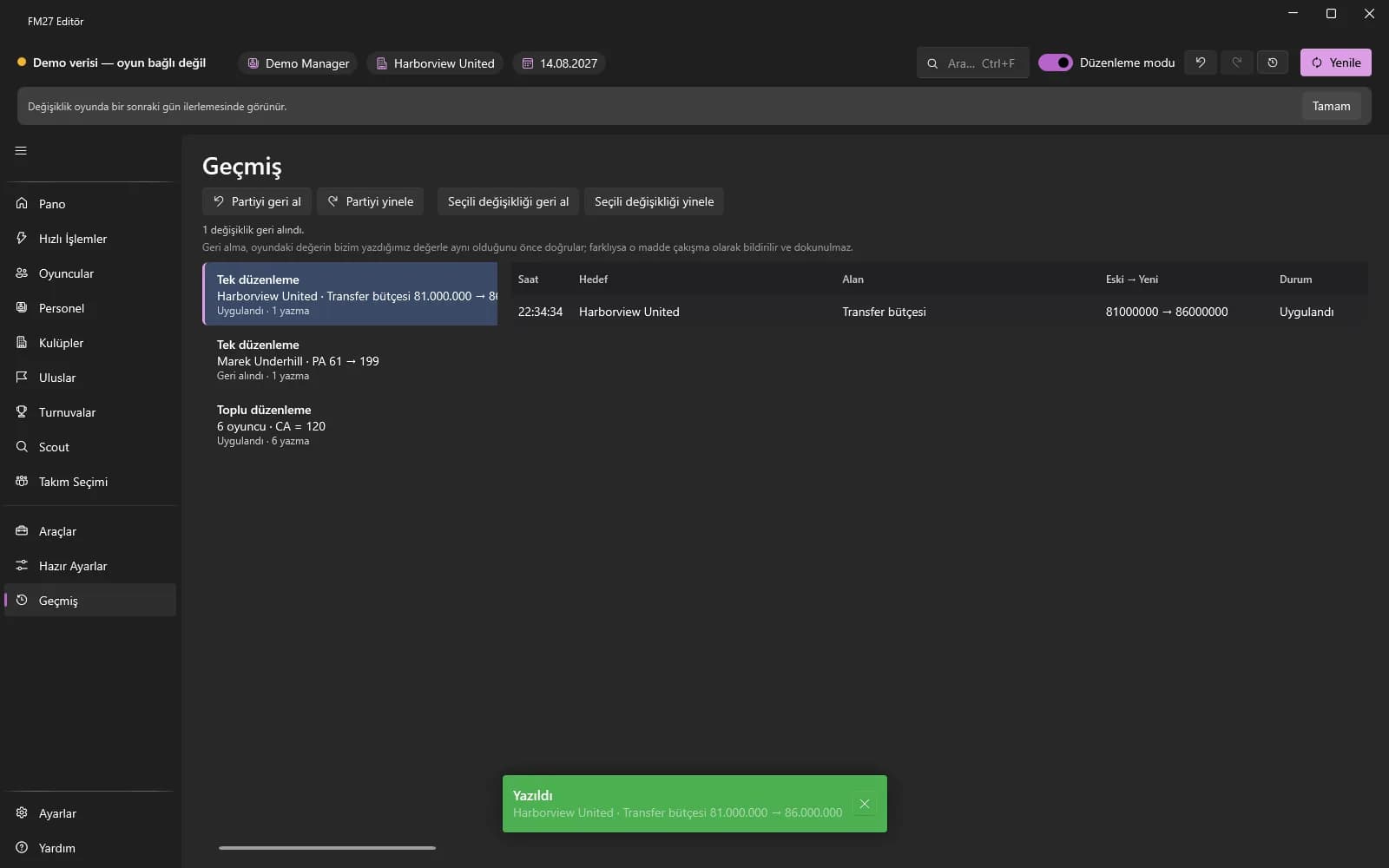
- On the History page select a batch on the left to see its changes on the right; use “Undo / Redo batch” or undo / redo the selected change.
Conflicts
Before undoing, the app checks that the value in the game is still the one it wrote. If the game changed it in the meantime, that item is reported as a “conflict” and left alone.