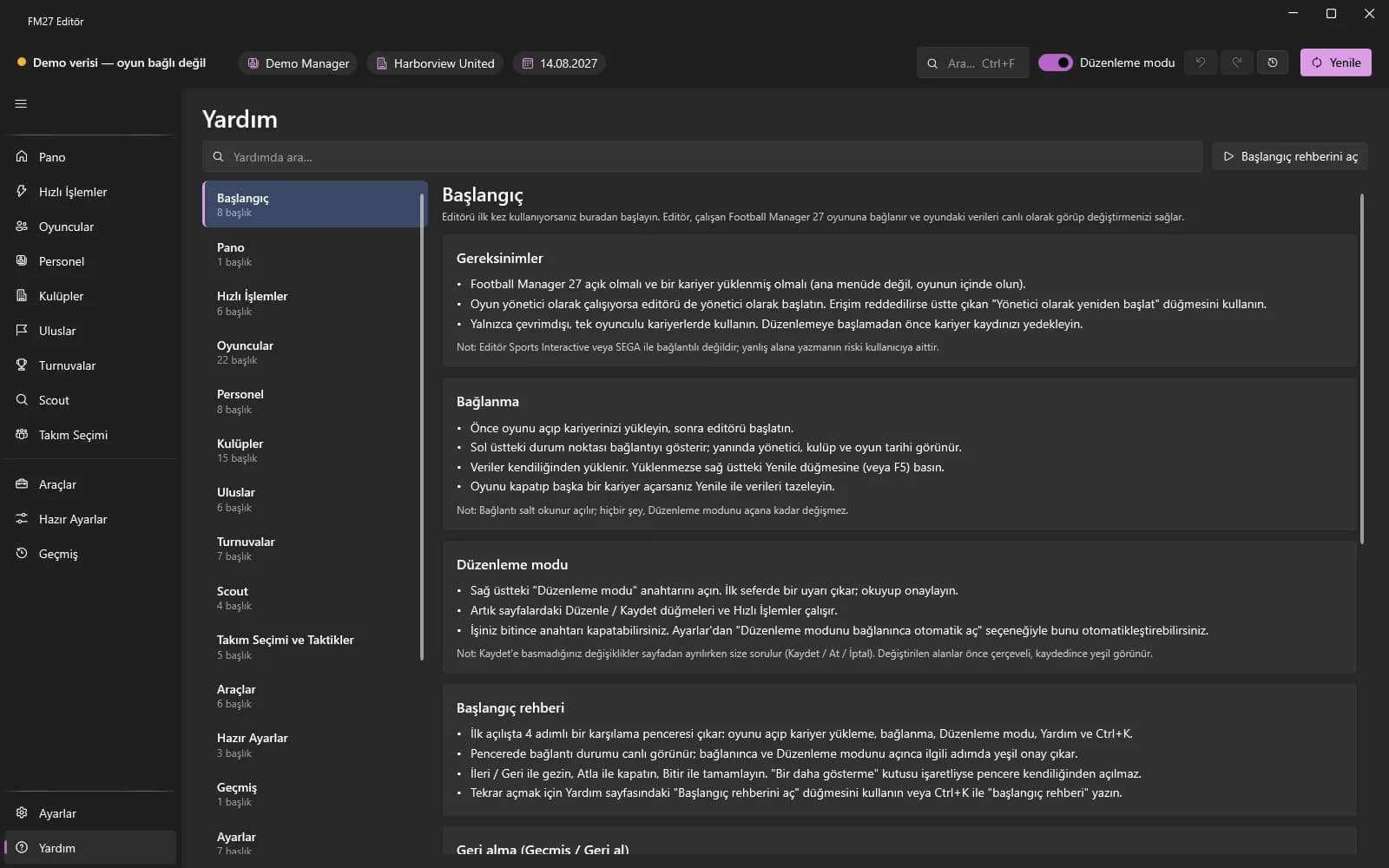
First launch and the getting-started guide
The 4-step welcome window on first launch.
Last updated:
The welcome window
On first start a 4-step window opens: open the game and load a career, connect, Edit mode, Help and Ctrl+K.
- The window shows the connection status live; the matching step gets a green tick once you are connected and when you turn on Edit mode.
- Use Next / Back to move, Skip to close, Finish to complete.
- If “Don't show again” is ticked, the window no longer opens by itself.
Opening it again
Use the “Open the getting-started guide” button on the Help page, or press Ctrl+K and type “getting-started guide”.