Connecting to the game
How the app attaches to the running game and how to refresh data.
Last updated:
Connection steps
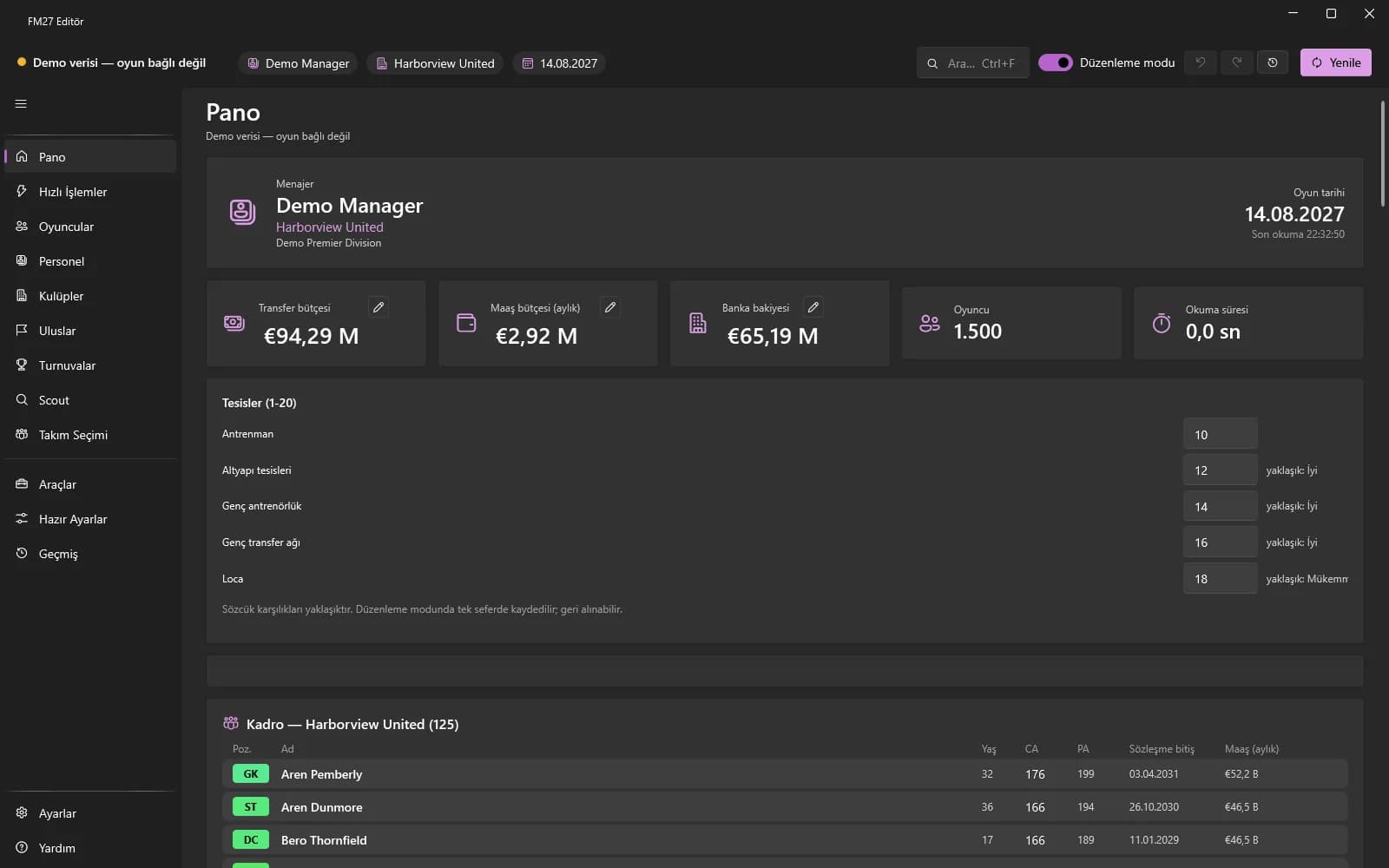
- Start the game and load your career first (be inside the game, not on the main menu), then start the app.
- The status dot at the top left shows the connection; the manager, club and game date appear next to it.
- The data loads by itself. If it does not, press the Refresh button at the top right (or F5).
- If you close the game and open another career, use Refresh to reload the data.
Administrator rights
If the game runs as administrator, start the app as administrator too. If access is denied, use the “Restart as administrator” button shown at the top.
Usage rule
Use it only in offline single-player careers and back up your career save before editing. TACTRIX is not affiliated with Sports Interactive or SEGA.