Team Selection and tactics
The suggested XI, the formation editor and saved tactics.
Last updated:
Shows a club's calculated starting XI, its current tactic in the game and its saved tactics. Changing tactics in the game needs Edit mode and a license.
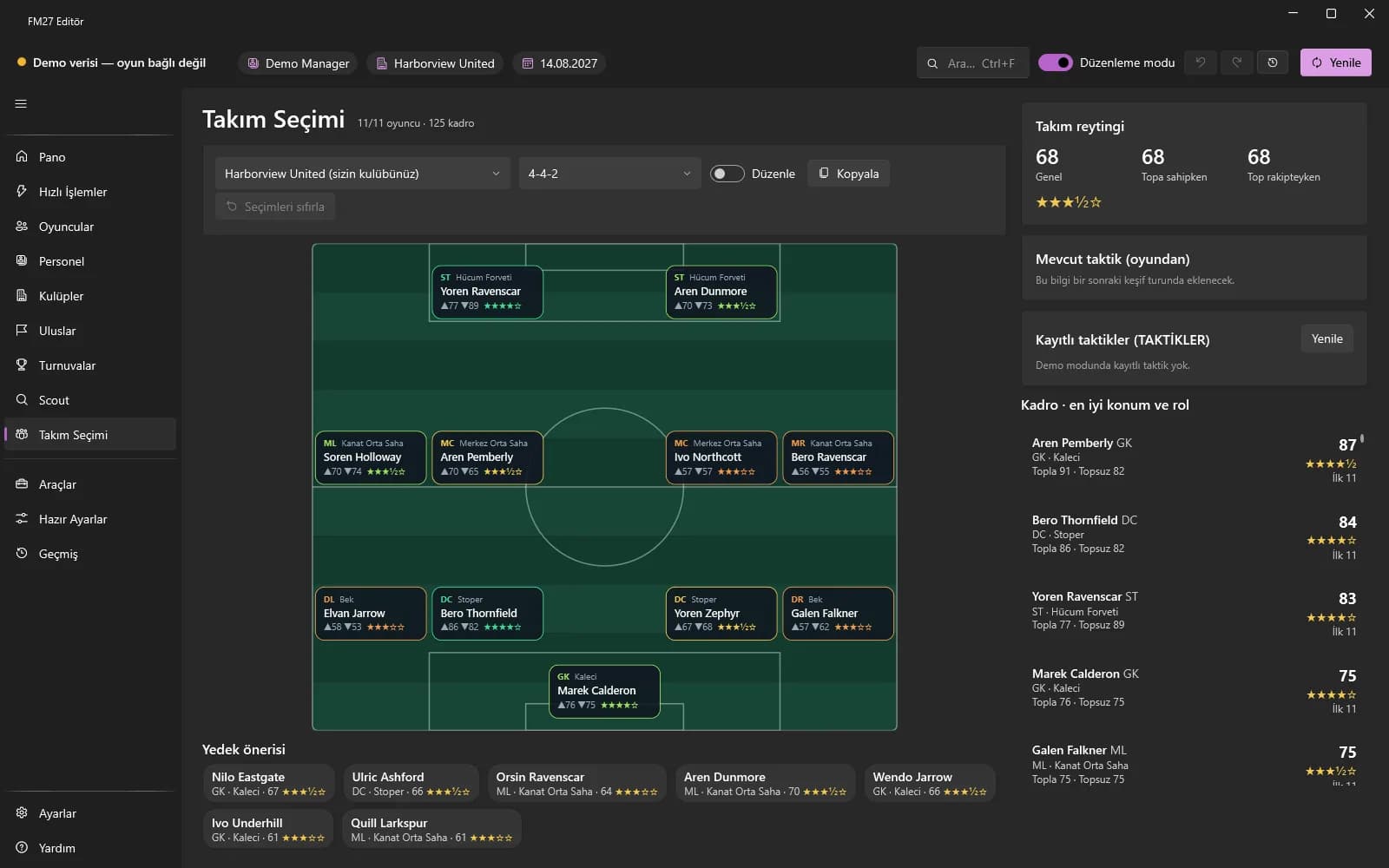
Starting XI, substitutes and rating
Select the club; the suggested starting XI, the suggested substitutes and the team rating (in possession / out of possession) show on the pitch. With “Current tactic (from the game)” you can compare the real formation in the game with “Compare with suggested”.
Formation editor
- Drag the cards on the pitch (they snap to the grid), or drag a player from the list onto a card / double-click.
- Ready-made formations are first made your own with “Copy”; type a “Formation name” and press “Save name”.
- “Reset selections” removes manual placements and recalculates the suggestion.
Saved tactics and instructions
- On the “Saved tactics (TACTICS)” card choose a saved tactic from the game; the formation, roles and players are listed.
- Choose and apply a role, mentality and playing style; the style's preset instructions are applied too.
- In “Team instructions” choose values for groups such as Tempo and Defensive Line and press “Apply instructions”.